
Blazing Scream
Blazing Scream
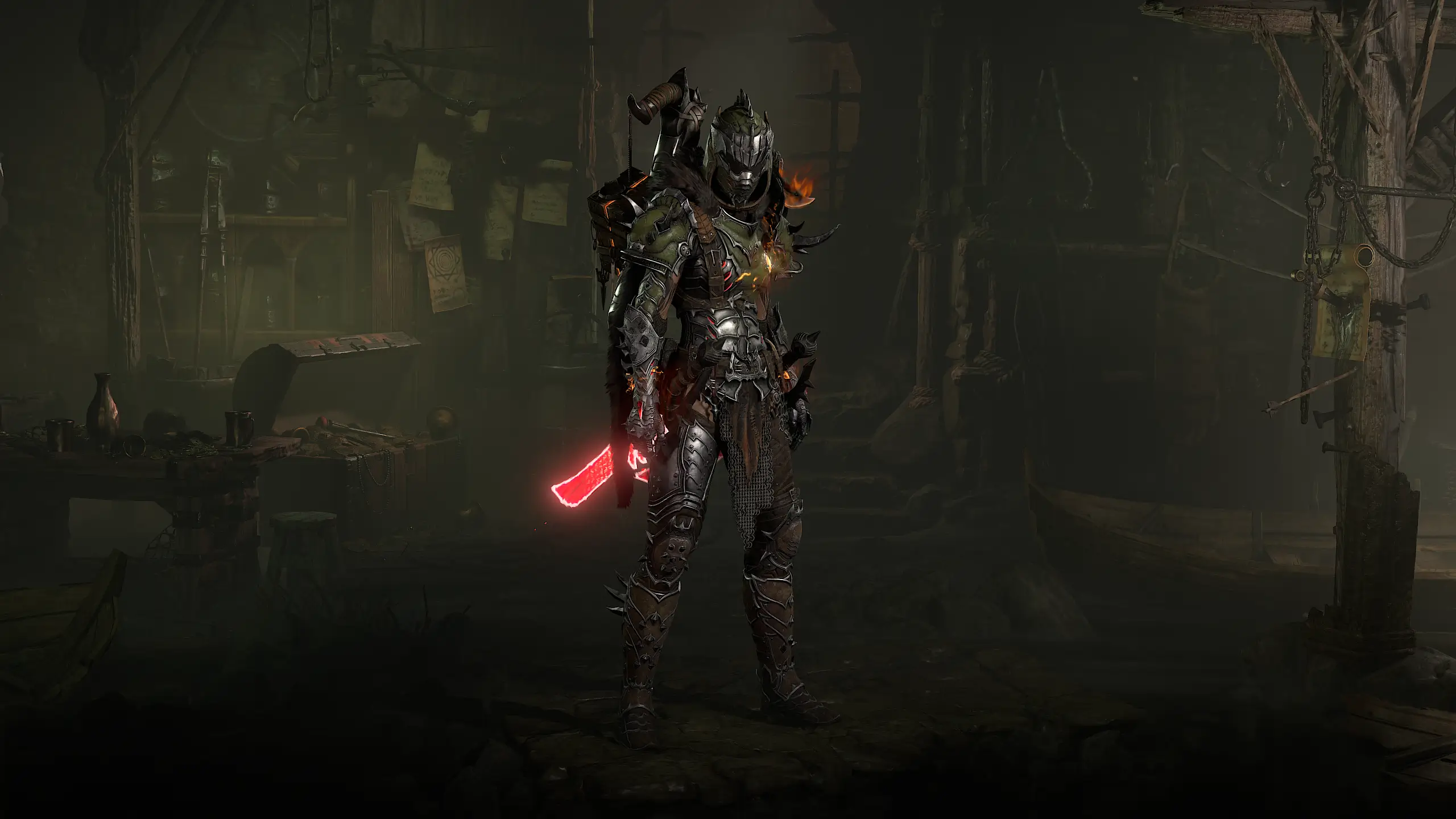
Warlock Leveling Build (S-Tier) by Chrix1848
Skills
- Fortify
- Cooldown Reduction
- Extra Charge
- Movement Speed
- Impact Velocity
- Damage
- Nether Step
- Blazing Scream
- Chain Aura
- Dark Prison
- Orbital Scream
- Extra Bites
- Pull
- Terror Swarm
- Searing Infestation
- Wrath
- Dominance
- Meat Shields
- Command Fallen
Aspects
- Edgemaster's Aspect
- Juggernaut's Aspect
- Aspect of Accursed Touch
- Hellbent Commander Aspect
- Aspect of Heavenly Strength
- Aggressive Aspect
- Demonic Aspect
- Aspect of Ignition
- Sadistic Aspect
Gear Setup
- Helm: Aspekt: Molochs
- Chest Armor: Sadistic Aspect
- Gloves: Aspect of Ignition
- Pants: Aspekt der himmlischen Stärke
- Boots: Aspect of Accursed Touch
- Amulet: Hellbent Commander Aspect
- Ring 1: Edgemaster's Aspect
- Ring 2: Aggressive Aspect
- Main Hand: Demonic Aspect
Paragon Boards
- Starter
- Dynamism
- Demonic Spicules
- Greater Hex
- Fathomless
Glyphs
- Wrath
- Attrition
Mercenaries
- Primary: Raheir (Tank)
- Reinforcement: Raheir (Tank)
Loading overview...
Gear Stats will be displayed here once gear is equipped.
Warplan configuration coming soon.
Mercenaries configuration coming soon.
Affix Priority
- Movement Speed
- Willpower (Primary Class Attribute)
- Maximum Life
- Damage
- Attack Speed
- Cooldown Reduction
- Critical Strike Chance
Level 1–15: Additional Priority
Wrath Generation
From Level 15 with Orbital Scream, Wrath Generation becomes significantly less important.
Additional Tip: Ranks to Blazing Scream on Gloves are very strong if you find them while leveling.
Blazing Scream Warlock – Leveling Build
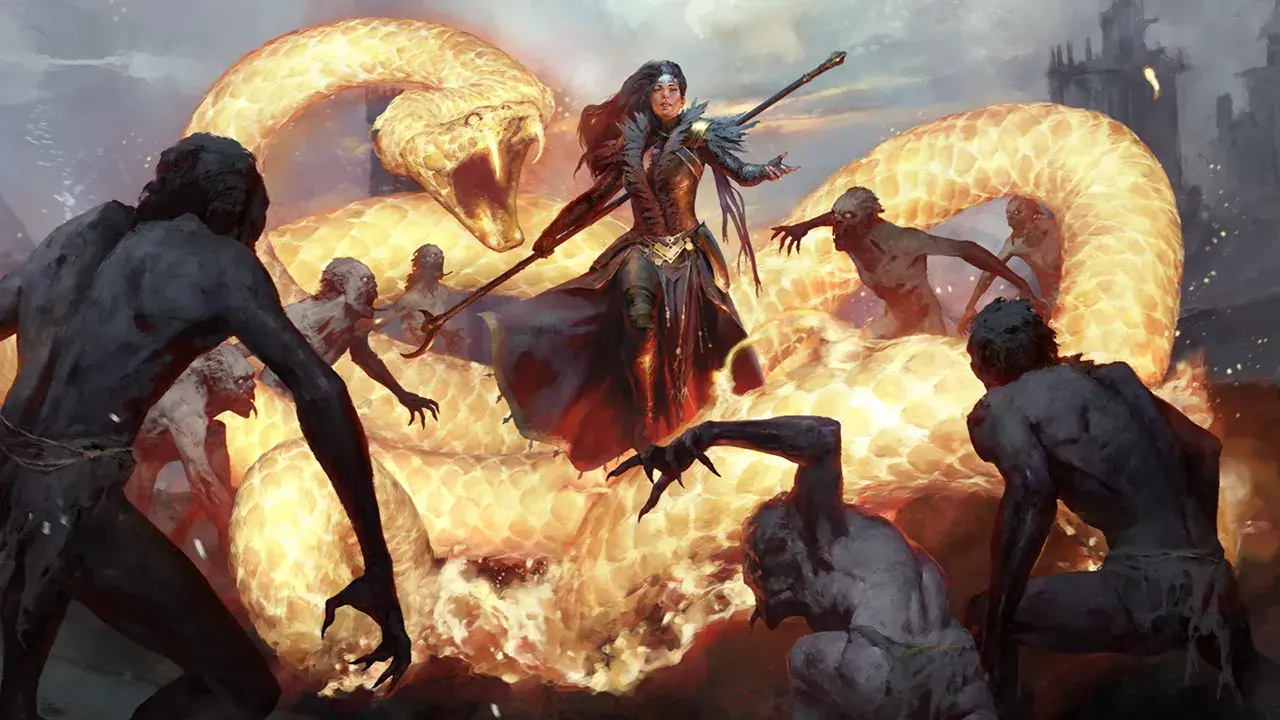
The Blazing Scream Warlock is a fast and highly mobile leveling build for Diablo 4 Season 15. Your primary damage skill is Blazing Scream, which benefits directly from Movement Speed through Impact Velocity.
At Level 15, Orbital Scream fundamentally changes the playstyle. The demon skull begins orbiting around you and automatically damages enemies while you move through packs. Channeling Blazing Scream increases its orbit speed and refreshes its duration.
Playstyle
- Use Command Fallen during the early levels to generate Wrath.
- Use Blazing Scream as your primary damage skill.
- From Level 15 onward, keep the skull from Orbital Scream active whenever possible.
- Briefly channel Blazing Scream to increase the skull's orbit speed and refresh its duration.
- Use Nether Step to move quickly between enemy packs and benefit from additional Movement Speed.
- Activate Dark Prison whenever you need additional protection and crowd control.
- Use Terror Swarm against large packs, elites, and bosses.
Rotation
Before Level 15:
Command Fallen → Generate Wrath → Blazing Scream → Nether Step to the next pack
From Level 15 onward:
Activate Orbital Scream → Nether Step into the next pack → Terror Swarm on large groups → Dark Prison when needed → channel Blazing Scream to refresh the skull
You do not need every cooldown against normal enemy packs. Keep your skull active and move toward the next group as quickly as possible.
Wrath
Before Level 15, Blazing Scream regularly requires Wrath.
Command Fallen generates Wrath and gains additional resource generation through the selected upgrade when Demons or enemies have recently been killed.
A simple resource cycle is:
Command Fallen → Generate Wrath → Blazing Scream
After Level 15, Wrath becomes significantly less important. Once the Orbital Scream skull is active, channeling refreshes its duration so you do not need to constantly summon a new skull.
Orbital Scream at Level 15
Orbital Scream is the most important milestone for this build.
The demon skull orbits your character and automatically damages nearby enemies.
Channeling Blazing Scream:
- increases the skull's orbit speed
- refreshes its duration
- allows you to maintain damage while moving
From Level 15 onward, try to keep the skull active as consistently as possible instead of rebuilding Blazing Scream for every enemy pack.
Command Fallen
Command Fallen is especially useful during the early levels for generating Wrath.
With Meat Shields, the skill also automatically summons Fallen Lunatics. Their summon rate scales with your Attack Speed.
This gives Attack Speed additional offensive value, although it remains less important than Movement Speed and Willpower.
Terror Swarm
Terror Swarm is your strongest additional ability against large packs and tougher targets.
The selected upgrades provide:
- additional bites
- regular enemy pulls
- additional damage through Searing Infestation
Use Terror Swarm primarily:
- against elite enemies
- against bosses
- against especially large enemy packs
Defense
Dark Prison is played with Chain Aura, creating an aura around your character.
It reduces incoming damage from outside the aura and heavily Slows nearby enemies.
Nether Step also improves your survivability by allowing you to reposition quickly while providing a strong Movement Speed bonus.
While leveling, prioritize:
- Maximum Life
- Armor
- Resistances
- defensive Aspects
Leveling Gear
You do not need perfect items while leveling. Replace your equipment regularly and use the Affix Priority listed above as a guideline.
Movement Speed has exceptionally high value for this build because it simultaneously:
- improves your leveling speed
- reduces downtime between enemy packs
- strengthens Blazing Scream through Impact Velocity
Movement Speed and Willpower are the two most important offensive foundations of this leveling build.
Aspects
You can find the most important Aspects and their recommended item slots directly in the Gear section.
You do not need every Aspect immediately while leveling. Add them gradually and replace your equipment regularly.
Tip: Prioritize Aspects that noticeably improve Blazing Scream damage, mobility, or survivability first.
Leveling Tip
The biggest power spike arrives at Level 15 with Orbital Scream.
From that point onward, you no longer need to constantly stop and fire new skulls into every enemy pack. Keep your orbiting skull active and use Nether Step to move rapidly from group to group.
Keep the skull active → Nether Step → Terror Swarm on large packs → Dark Prison when needed → briefly channel Blazing Scream to refresh the duration.
This gives the Blazing Scream Warlock strong area damage, excellent mobility, and a very efficient leveling playstyle.
Loot Filter
No loot filter provided.
Latest News
-
 BlizzCon 2026: Diablo 4 Schedule, Panels and Drops Explained
-
 Geralt Comes to Sanctuary: The Witcher 3 Lands on Battle.net
-
 Season 15 in the Build Planner: Preview Is Open
-
 The 3.2 PTR Is Live: Play Season 15 Early
-
The 3.2.0 PTR: Everything You Need to Know About Season 15











How to read and rebuild this Warlock build
This page holds a complete Warlock build for Diablo 4: skill tree, gear with aspects, paragon boards and the class mechanic. Here is how to read each tab and in what order to rebuild it.
The class mechanic: Soul Shards
Soul Shards amplify curses, summons and chaos magic. Which shards are set is shown in the overview below the grid — they are part of the build just like skills and aspects.
Gear, aspects and affixes
The Gear tab lists every slot with its item, aspect and all affixes. Colour marks show what is special about a given line: a Greater Affix (GA) is the fifty-percent stronger roll of an affix, a tempering affix is added at the blacksmith from a manual, and an affix marked for masterworking only takes effect at Masterwork Quality 25 — which is why the planner always shows it at maximum.
Rebuild the gear in this order: uniques and mythics first, since they are fixed, then aspects on the remaining slots, then tempering and masterworking. Aspects can be imprinted from the Codex of Power or extracted from legendaries you find.
Paragon and glyphs
Paragon boards unlock at level 60. How many points this build spends is shown in the header band at the top. What matters is not the individual nodes but the glyphs: their radius grows with glyph level, and their additional bonus only applies once enough attribute points sit inside that radius. A board with the right rotation is therefore worth more than a board with more nodes filled in.
Variants and season
Many builds carry several variants — for example a version without mythics to start out. The bar under the build name switches between them, and skills, gear and paragon all change with it. The version picker in the header shows the build against the data of a given season.