
New: Discord Webhook – d4guides.gg News, Guides and Builds Automatically in Your Discord
Free, no bot, set up in two minutes: the new Discord webhook posts new content straight to a channel on your server.
You can now connect d4guides.gg directly to your Discord server. The new Discord webhook posts new Diablo 4 news, guides, builds and official Blizzard BluePosts automatically to a channel of your choice – free, with no bot invite, set up in about two minutes.
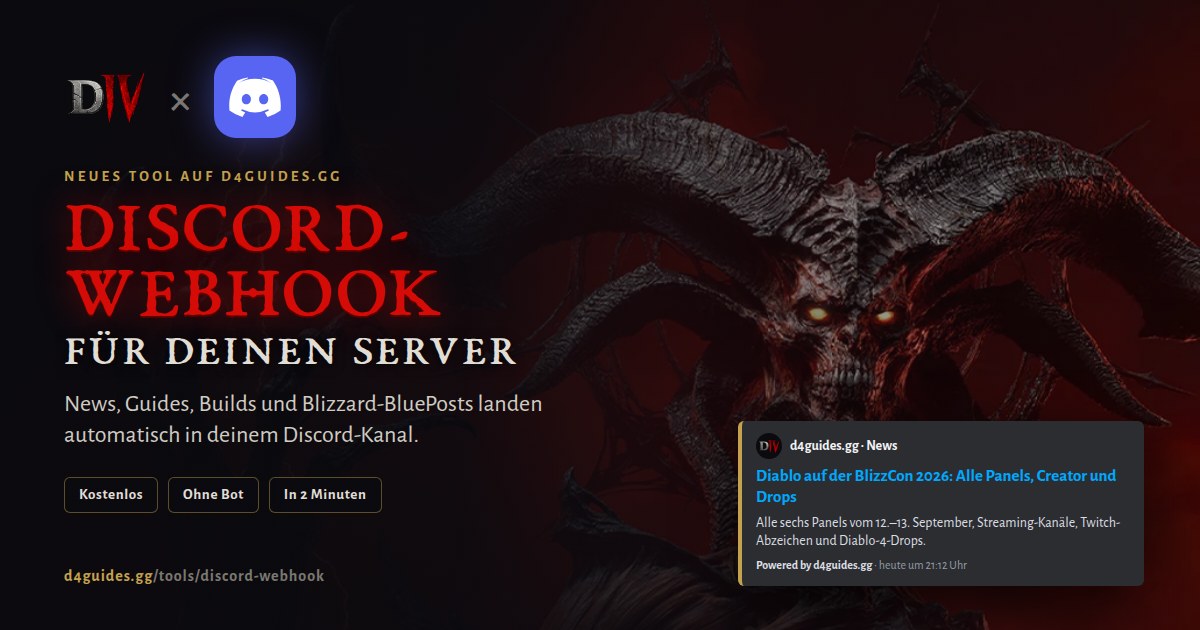
What the Discord webhook does
The webhook delivers four content types that you combine freely per connection:
- News – every new d4guides.gg article, from patches and seasons to Blizzard announcements.
- Guides – every newly published guide, from leveling overviews to endgame deep dives.
- Builds – new builds from creators, the team and featured builds. Community builds are deliberately left out so your channel stays clean. Optionally filter by class.
- Blizzard BluePosts – official posts by Blizzard staff from the Diablo 4 forums, minutes after they go up.
How to set it up
- Create a webhook in Discord: Server Settings → Integrations → Webhooks → New Webhook. Pick the channel, give it a name, copy the webhook URL.
- Paste the URL on d4guides.gg: On the Discord webhook page click “Connect a server”, paste the URL, choose language and content.
- Done: Your channel receives a confirmation post right away. From then on every new item arrives automatically.
Where to find the tool
- Tools page: Under Tools we now collect all helpers for communities, clans and Discord servers. The Discord webhook is the first, more will follow.
- Footer: At the bottom of every page under “Community” as “Discord Webhook”.
- Profile: Your profile has a new Discord Webhook tab. It lists all your connections and lets you send test posts, pause or remove them, and edit language, content and class filters.
Privacy and control
The webhook needs no permissions on your server and no bot. d4guides.gg can only post to the one channel you created the webhook for and reads nothing from your server. The webhook URL is stored encrypted and is never displayed again after setup.
You stay in control at all times: when you pause a connection we notify the channel with a short notice, and again when you resume. If you delete the webhook in Discord, d4guides.gg detects it and pauses the connection automatically.
Frequently asked questions
Is the Discord webhook free?
Do I need to invite a bot to my Discord server?
How fast do new posts arrive?
Which builds are posted?
Can I connect several channels or both languages?
Try it now: set up the Discord webhook. Feedback and requests for further tools are best sent via the idea board in the footer.
Frequently Asked Questions
Is the Discord webhook free?
Yes. The Discord webhook is free, there is no premium tier and no subscription. All you need is a webhook in your server and a free d4guides.gg account.
Do I need to invite a bot to my Discord server?
No. The webhook uses a standard Discord webhook URL that you create yourself in your server settings. d4guides.gg gets no permissions on your server.
How fast do new posts arrive?
New content is delivered within five minutes of publishing. Edits to existing posts are only sent when the author explicitly triggers an update notice.
Which builds are posted?
Only builds from creators, the d4guides.gg team and featured builds. Community builds are not posted. You can additionally restrict builds to specific classes.
Can I connect several channels or both languages?
Yes. Each webhook and language pair is its own connection, up to ten per account. For a bilingual server create one connection in English and one in German.
Comments
Login to comment.